5 Creating a Project (macOS)
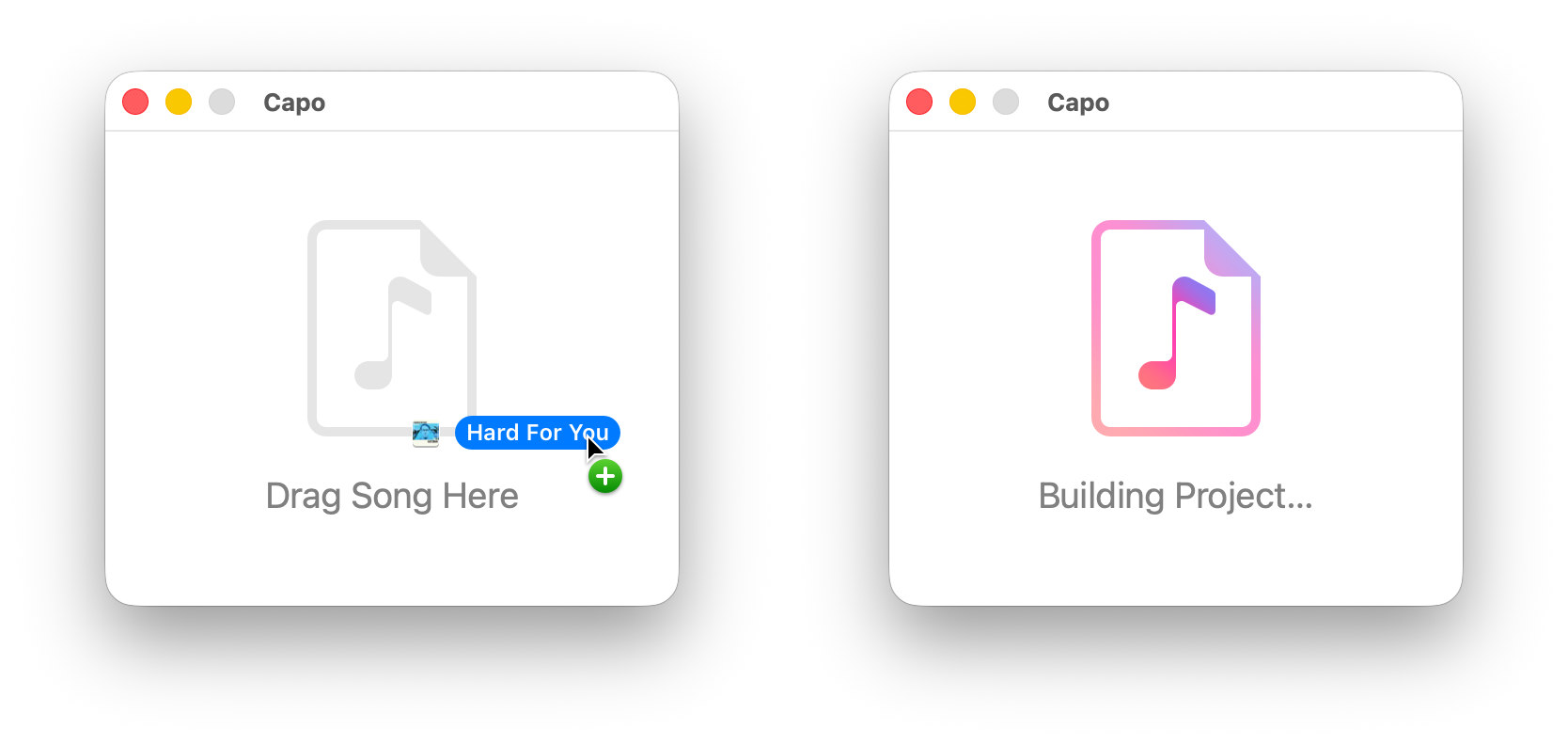
There are a few ways to create a new project on your Mac, depending on where you get your music. If you don’t see the window shown in Figure 5.1, you can choose File > New from the main menu, or press ⌘N
5.1 From the Music app
- Locate the song in your Music app library
- Ensure it is downloaded, and you have a DRM-free copy
- Drag the song onto Capo’s “drag song here” window (Figure 5.1)
5.2 From an Audio File
Option 1: Drag & Drop from the Finder
- Locate a supported audio file on your Mac
- Drag the song onto Capo’s “drag song here” window (Figure 5.1)
Option 2: Open Panel
- Choose File > Open… from the main menu, or press ⌘O on the keyboard
- Locate a supported audio file on your Mac in the open panel
- Click the “Open” button to create the project
Tip
If you cannot see the “drag song here” window—because you ran out of space, or forgot to open it first—you can also drag songs onto Capo’s icon in the Dock.