22 The Chords Song View
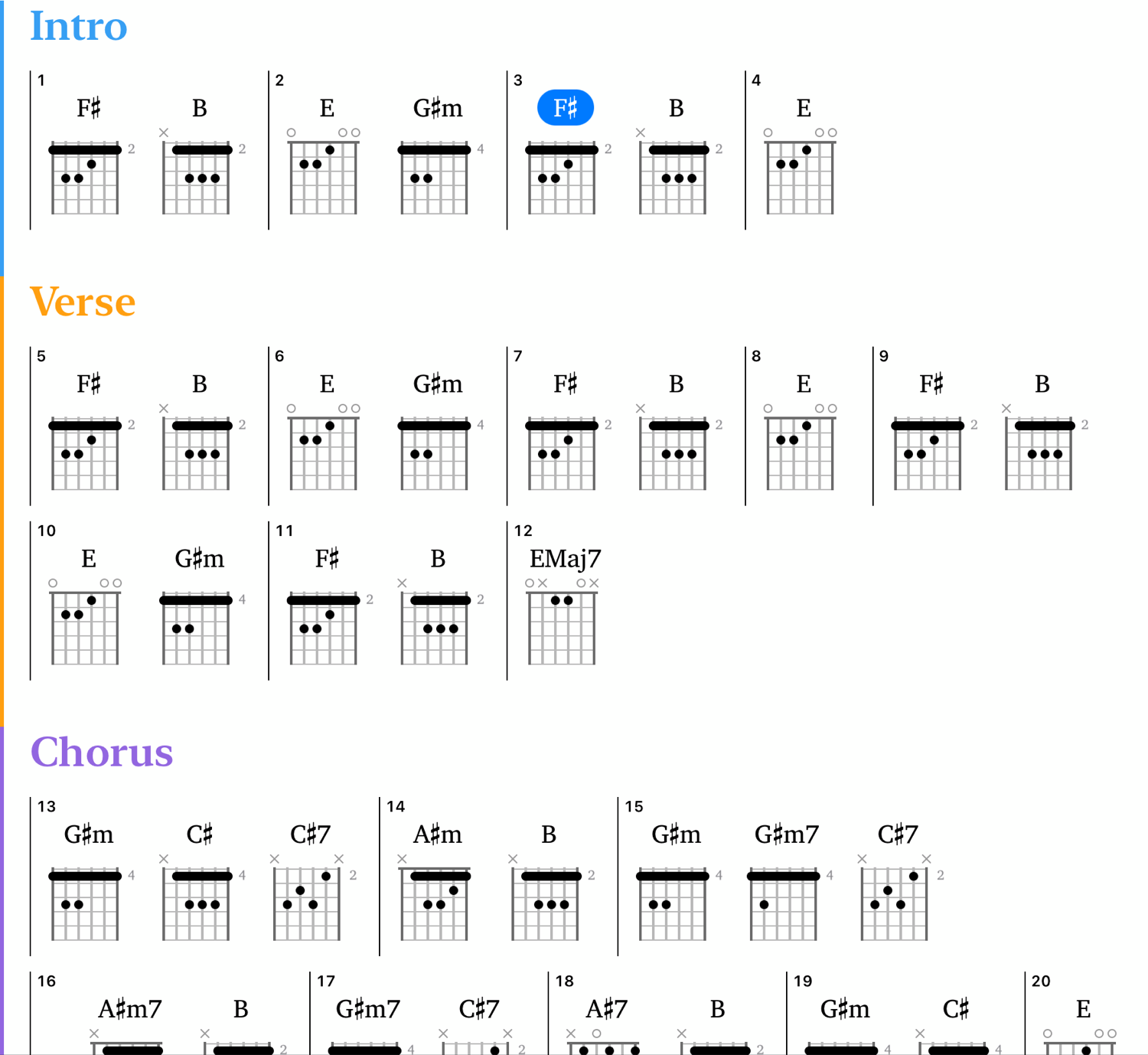
To show the Chords song view:
- Click the song view selector at the leftmost corner of the toolbar
- Choose “Chords” from the pop-up menu
To show the Chords song view:
- Tap the song view selector at the very top of the project view
- Choose “CHORDS” from the pop-up menu
22.1 Chords Layout
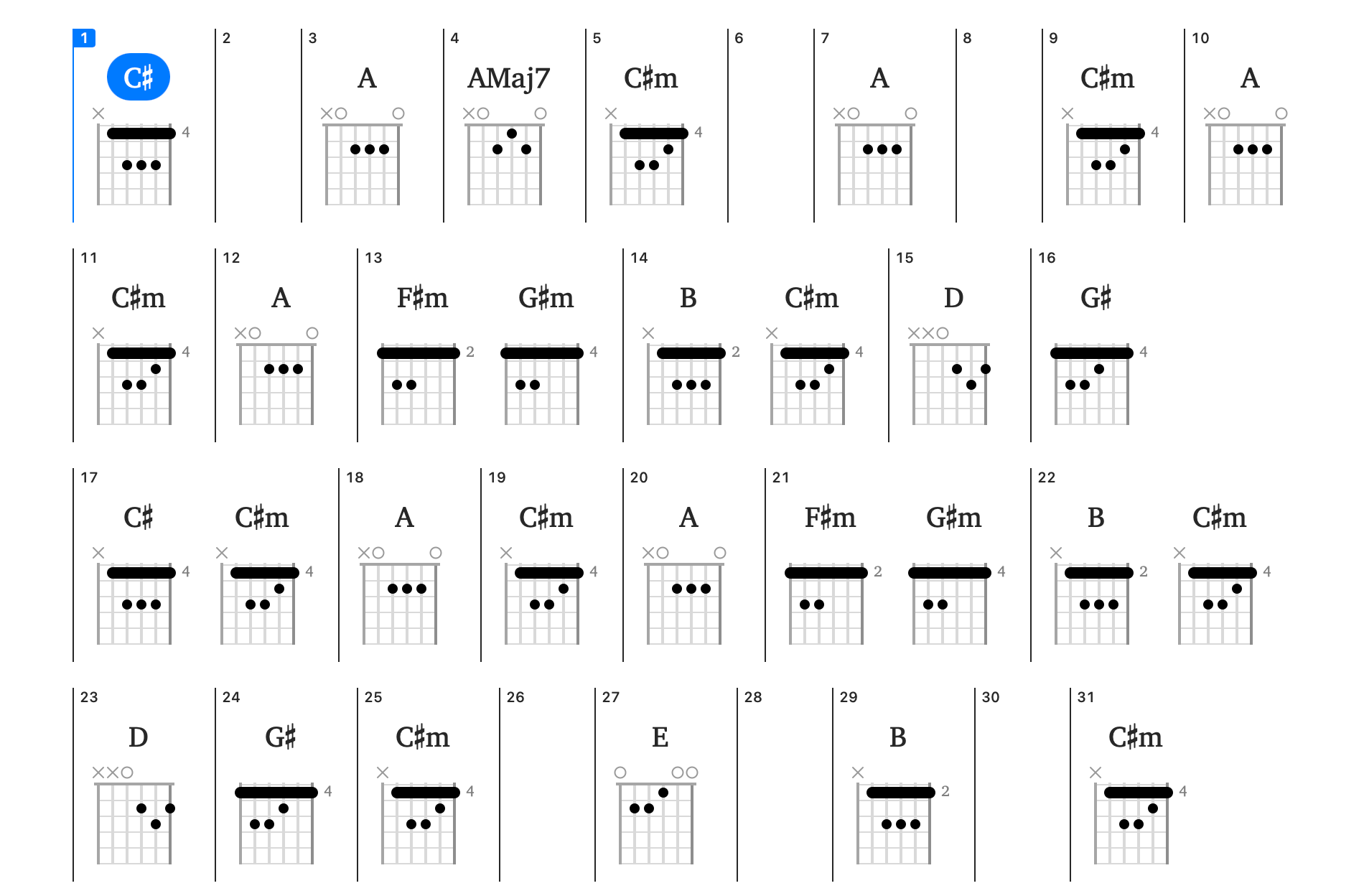
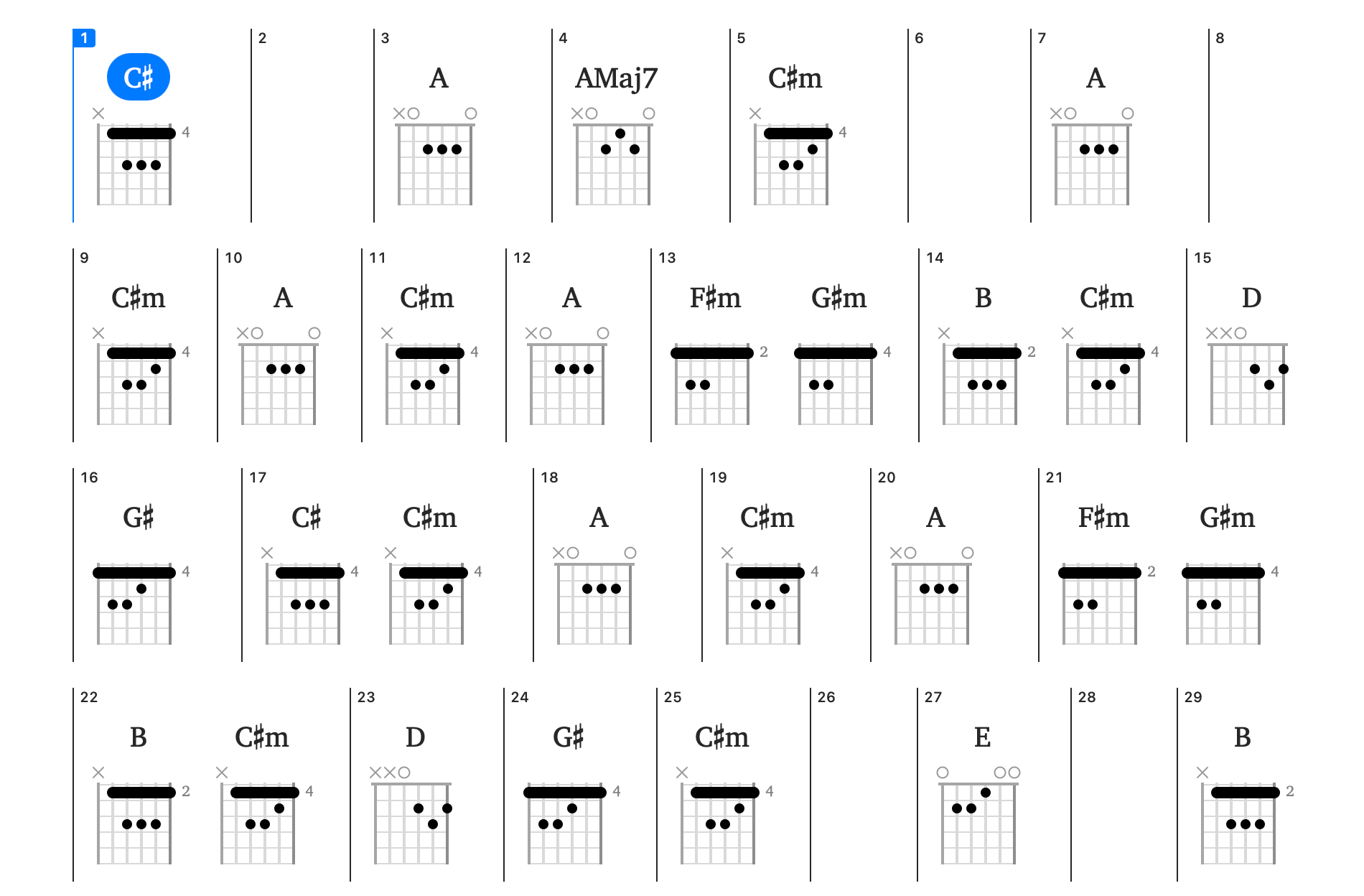
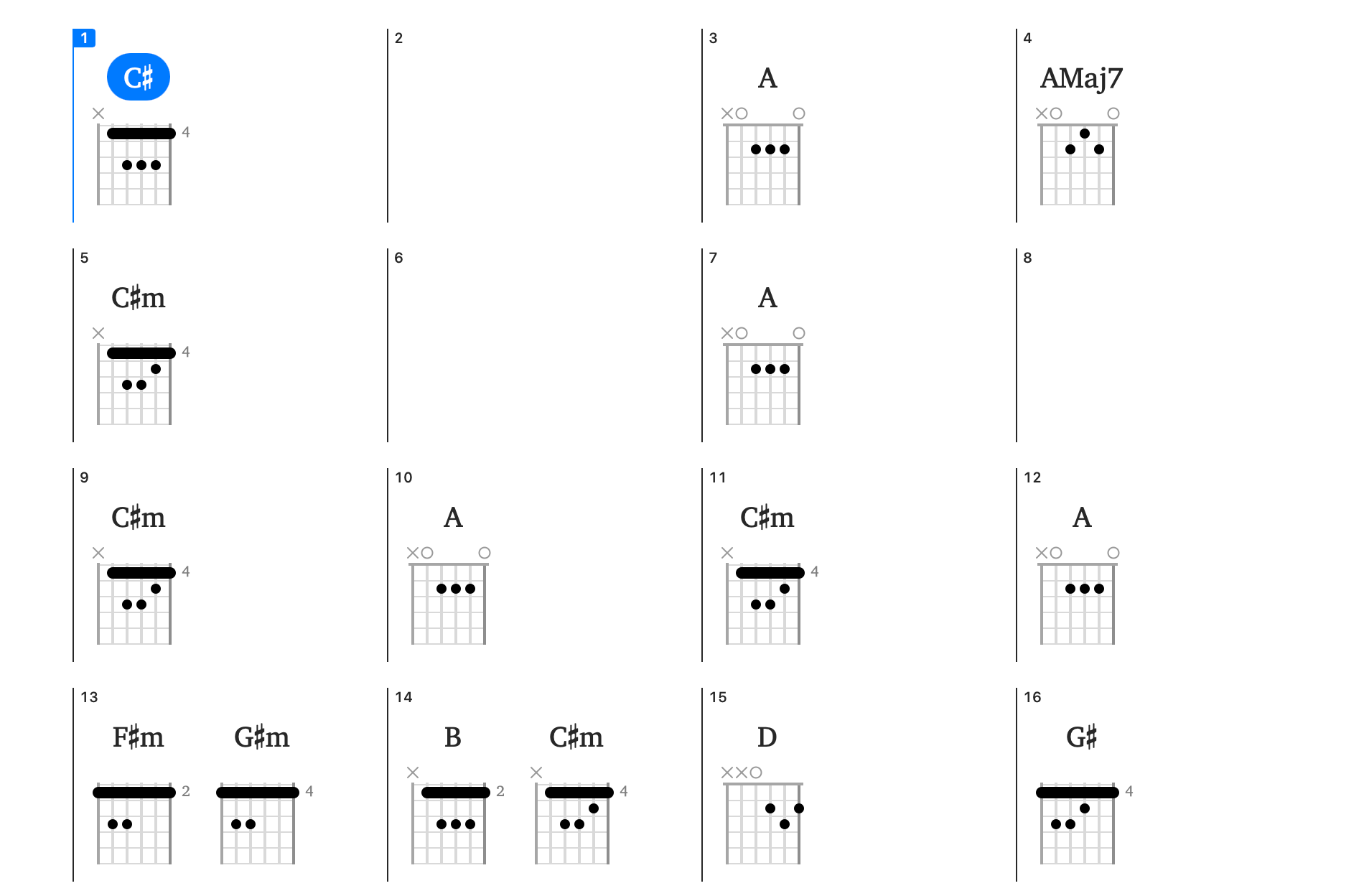
In the Chords Song View, you can choose one of three layout options: compact, full-width, and grid-aligned. Select the one that you find easiest to read and follow along with.
To change the layout of the chords display:
- Click the settings item at the top right of the toolbar
- Click the Layout popup button, and choose your preferred layout
To change the layout of the chords display:
- Tap on the menu at the top-right of the chords song view
- Select Chord Settings
- Tap on the Layout row, and select your preferred layout